
Your baby shower wish list
Time to put the cherry on top of your little one’s arrival: Create your baby shower wish list and share it with everyone who matters to you.
Create your wish list now
Quick to join
Free to create
Easy to share
- Kostenlos
- Einfache Bedienung
- Übersichtliche Darstellung
Hello, world!
How to create your baby shower wish list
Your new family member needs love and comfort—and of course the right gifts to welcome them.
As easy as a lullaby
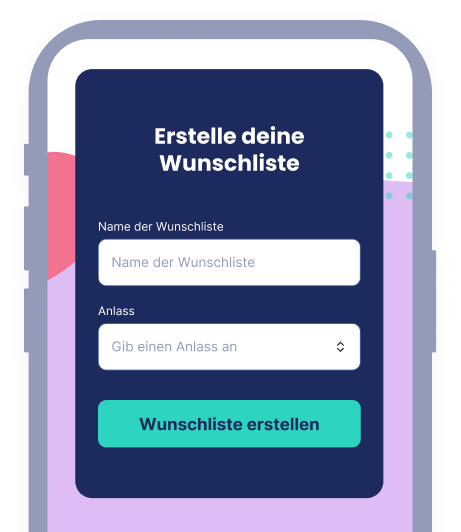
1. Create your baby shower wish list online
Start by giving your wish list a title. It works best if it includes your new family member’s name, for example “Emilia’s Baby Shower” or “Gifts for Lennox.” Next, select the occasion “Baby shower” so we can categorize your list correctly. Before you can add wishes to your baby shower wish list, you will need a free account with us. This lets you share your wish list with others, edit it, and view comments and reservations. If you prefer, you may also create your Wunschlist account first and then set up your wish list.
- Free account
- Instant setup
- Easy to use
Big gifts for little ones
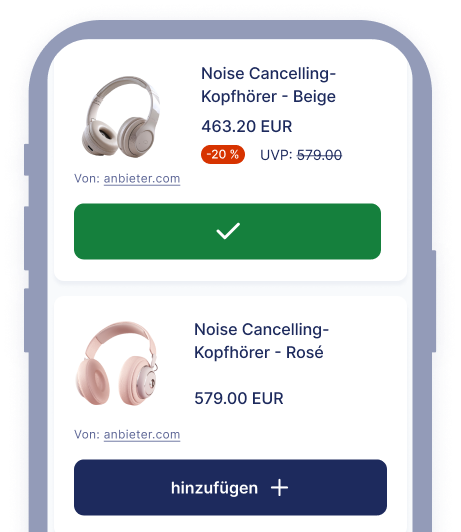
2. Add your baby shower wishes
As new parents, you already have your hands full. Wouldn’t it be great if every gift was spot on and nothing had to be returned? That’s where your wish list comes in: Simply add all the gifts you want for your baby’s arrival. The easiest way is to paste a direct product link from any online store into your list. A short description works too. Our smart item detection recognizes the product automatically. Feel free to wish for anything that brings you joy. And the best part: You only get what is on your wish list—no unwanted or duplicate gifts with Wunschlist!
- Add items easily via link
- Works with all popular online stores
- Smart product detection
Invite family and friends
3. Share your baby shower wish list online
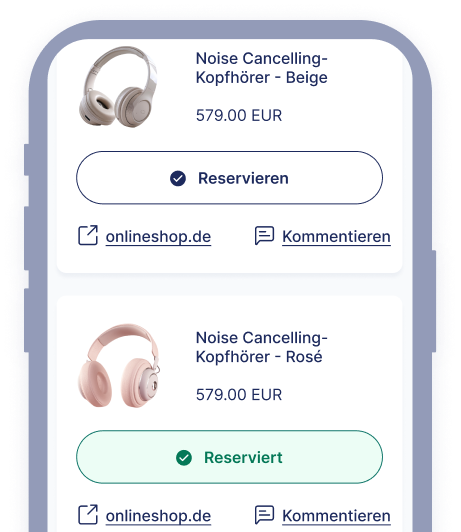
Invite family and friends to your completed wish list. To do so, copy the link and share it via messaging apps, social media, or email. Anyone with access can now reserve items, leave comments, and ask questions. A win for your family and your friends: no guesswork involved, and no awkward last-minute buys!
- Easy sharing via link
- Comments and reservation features
- No more unwanted gifts
Why lock it in?
4. Edit your baby shower wish list
Keep your wish list flexible and update it anytime: Add new ideas, remove what you no longer need, or follow great gift tips from friends and family. Of course, you can invite more guests whenever you like and remove anyone who prefers not to take part, too. We also included notifications, so you always know when someone reserves a wish or leaves a comment.
- Edit your wish list anytime
- Add or remove guests
- Receive notifications
Create your wish list now
Quick to join
Free to create
Easy to share
Wunschlist highlights
The easiest way to create a wish list online
Create a wish list, share it with others, and enjoy seeing your wishes come true. It’s that simple. And Wunschlist does even more:
Set up in no time
Register and create your first wish list in under 2 minutes.
Edit your wish list
Edit, expand, or delete any wish—you’re always in control of your wish list.
Share your wish list
Use the share feature to let everyone know what you want. With Wunschlist, it’s especially easy via email, messaging apps, SMS, and many other services.
Get notifications
Stay informed: You’ll receive a notification each time a wish is reserved.
Personalize
Add a category and a description to your wish list. Make it even more personal by uploading a custom image.
More languages
Lieber auf Deutsch? Wunschlist is available in multiple languages. German is available now, with more coming soon.
What others wish for
Popular gifts on Wunschlist
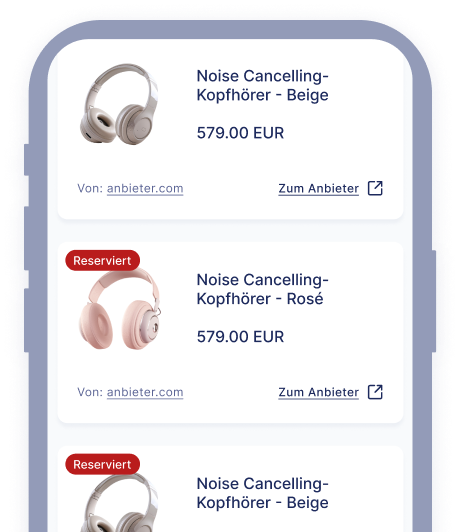
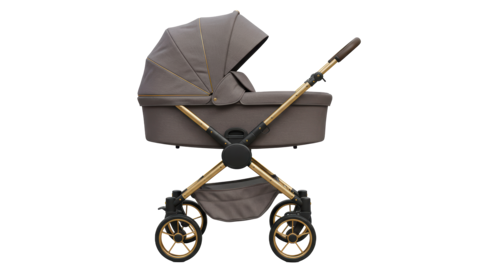
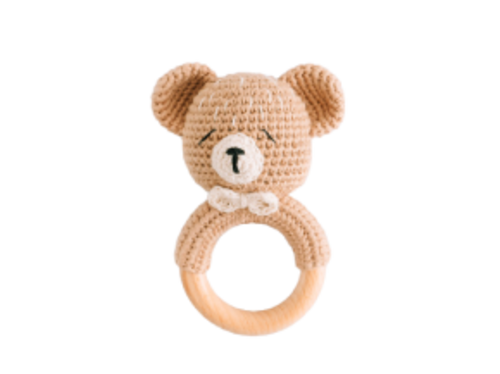
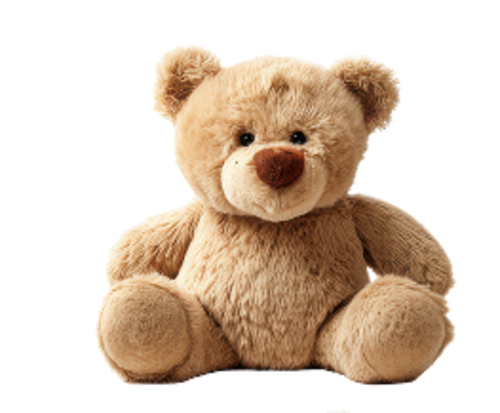
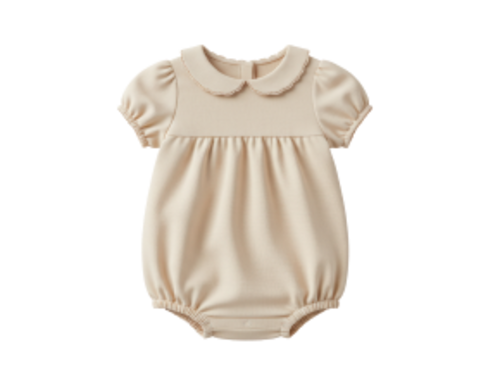
Need inspiration? No problem. Here you’ll find the products our users are wishing for most right now. Simply add them to your wish list using the button.
Quick to join, free to create, easy to share
Your baby shower wish list
Create your online wish list and share it with friends and family.
Create your wish list now